
Run your wedding around its events, not one endless list.
I Do HQ gives the engagement party, the ceremony, the reception and everything in between its own budget, vendors and tasks, then totals it all up for you. It works on the phone in your hand and the laptop on the table.
A wedding is lots of events. Your planner should work that way too.
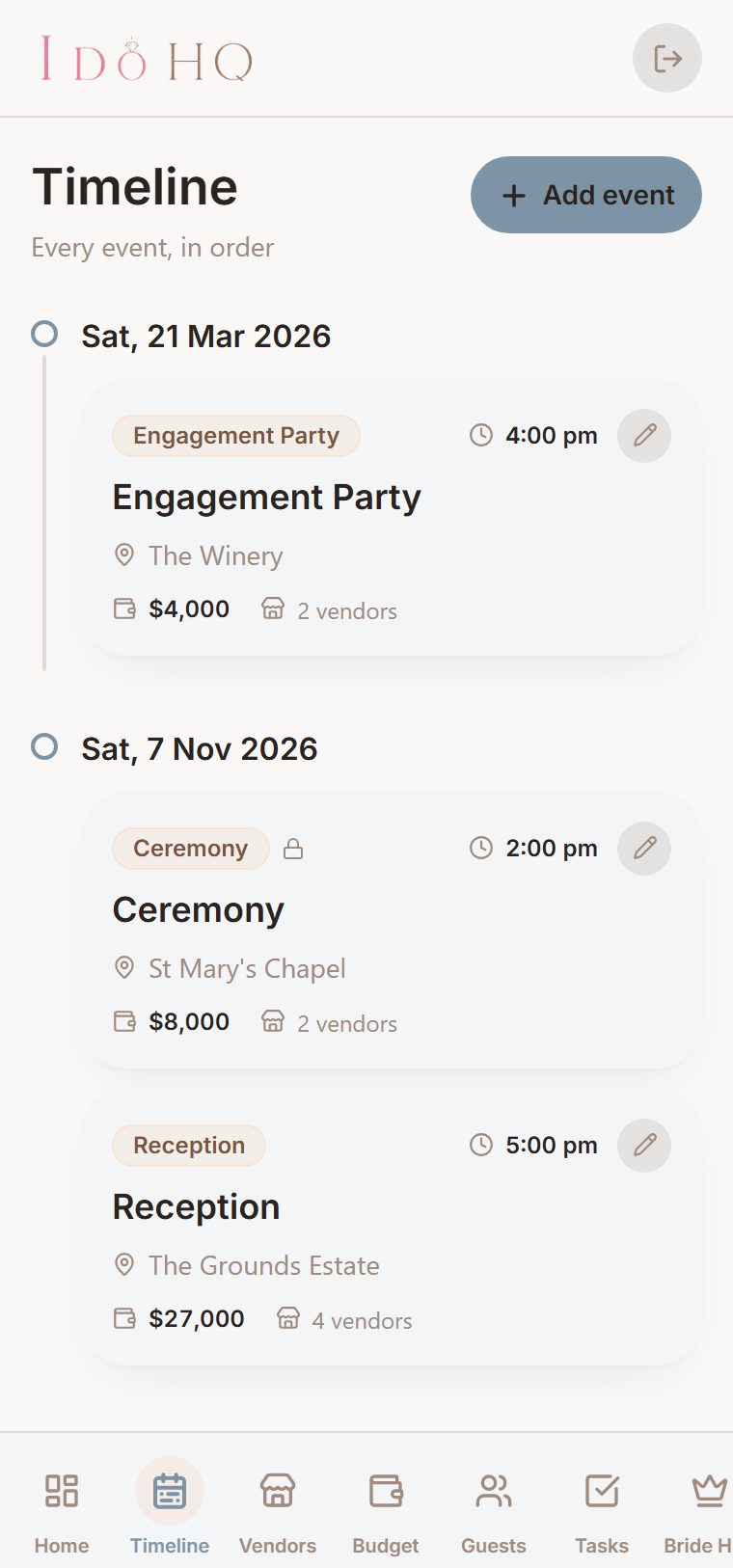
Most planning tools hand you one giant checklist and let you sort it out. A wedding is not one thing. It is an engagement party months out, a ceremony, a reception, maybe an after-party and a few of your own.
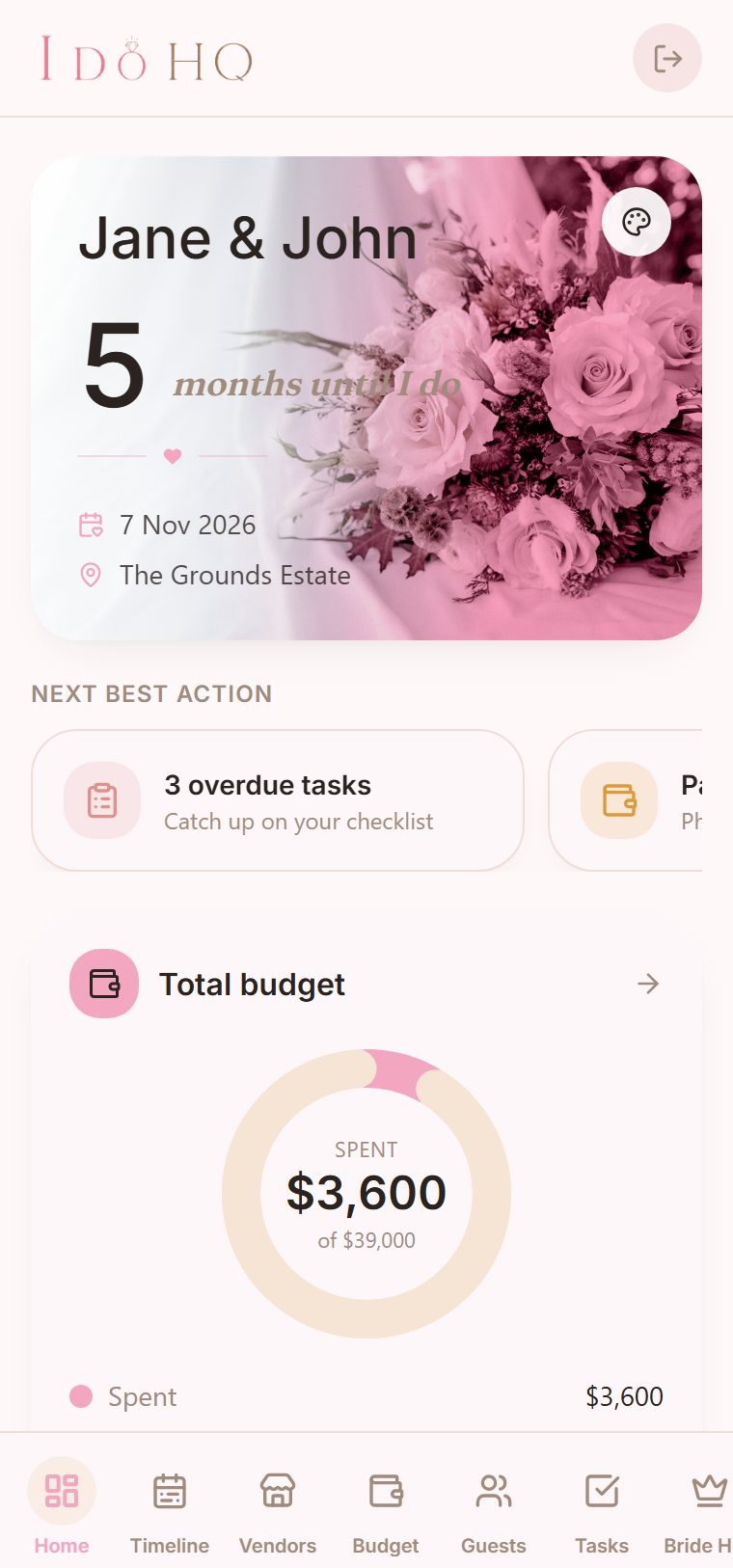
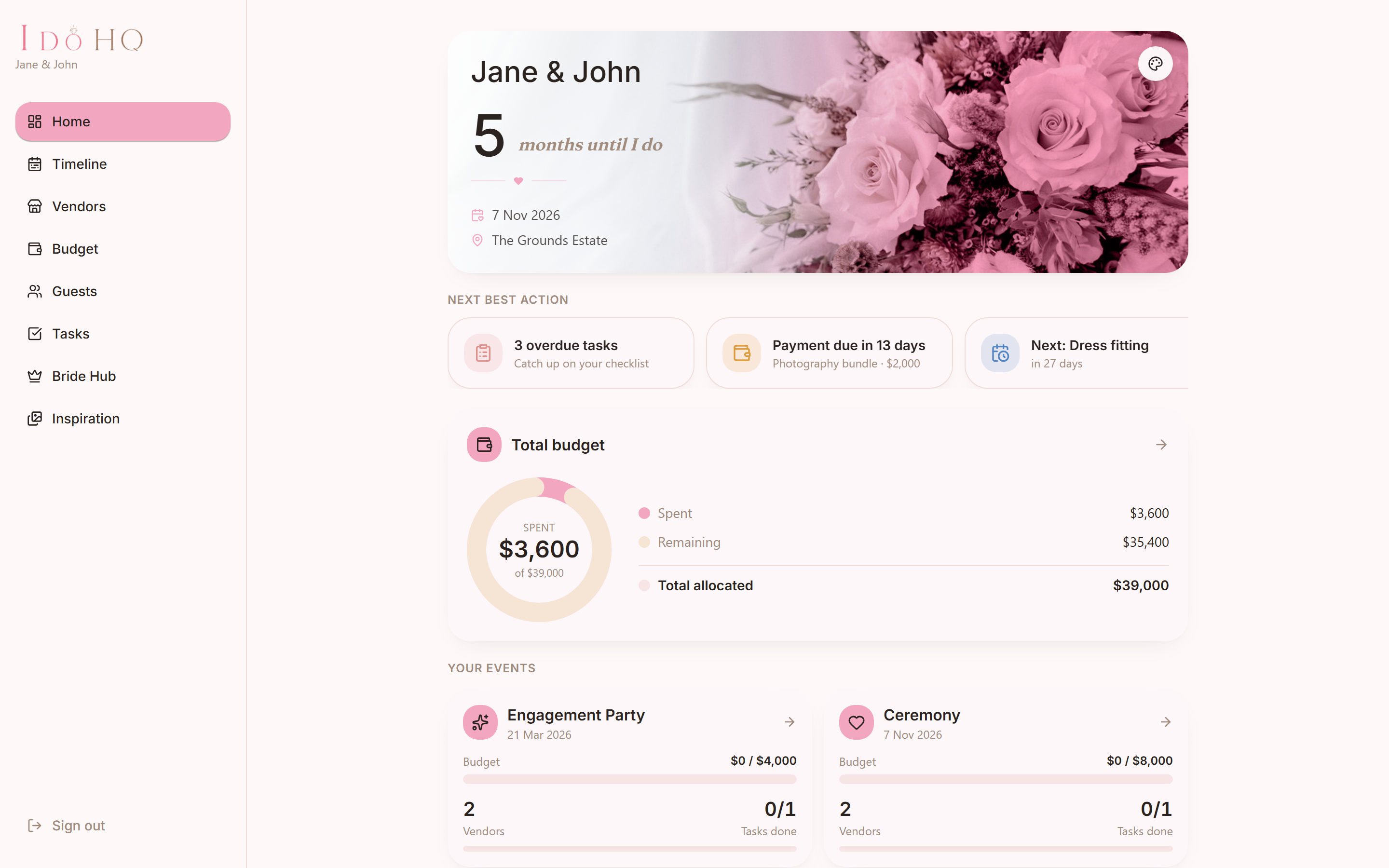
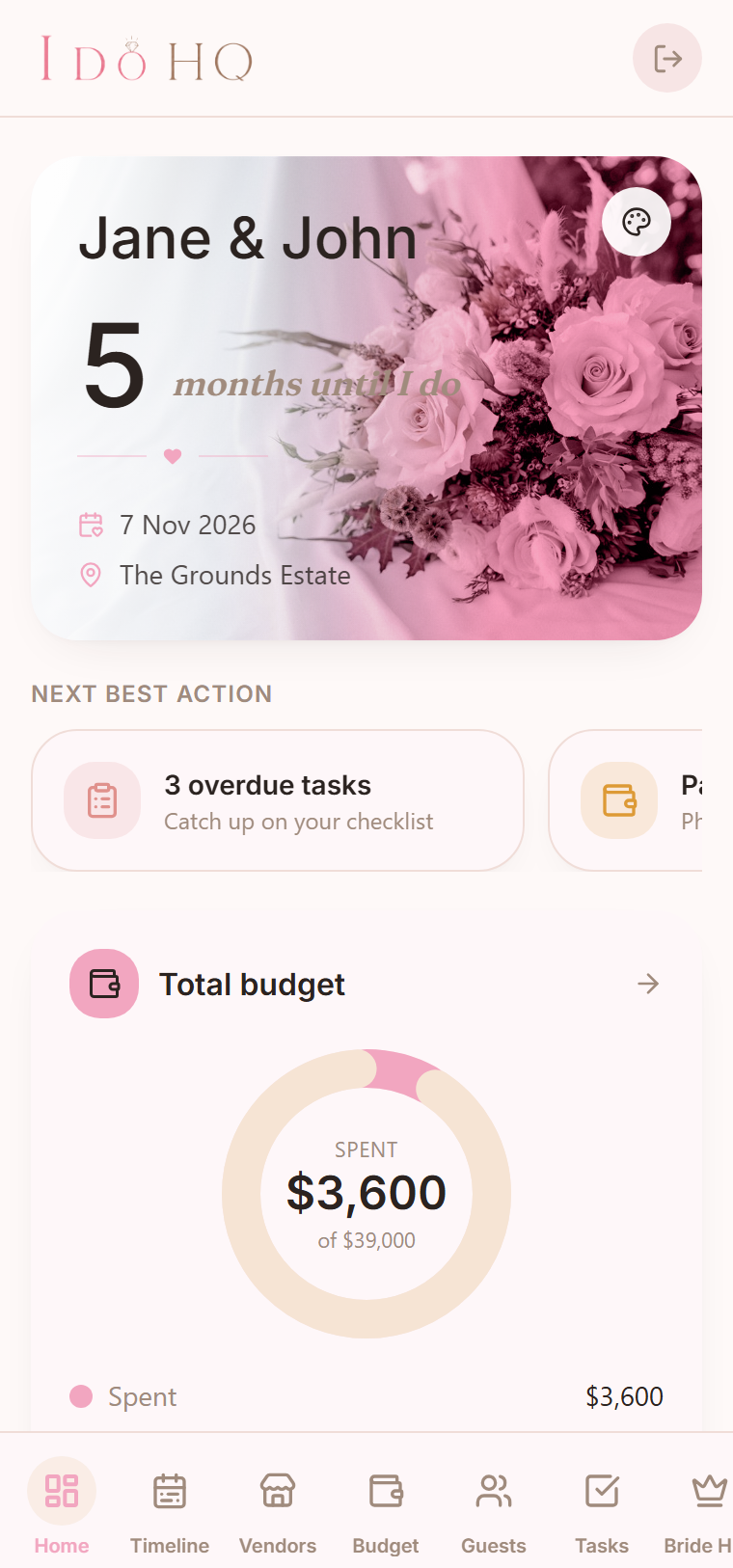
I Do HQ gives each event its own module, with its own budget, its own vendors and its own tasks. The home screen rolls every event up into one running total, so you always see the whole picture and the small print at once.
New weddings open with three events ready to go: the engagement party, the ceremony and the reception. The ceremony stays put. Delete the ones you do not need, and add the ones that are yours.
Each event, its own module
budget, vendors and tasks kept separate, never tangled together
One running total
every event adds up on the home screen as you plan
Yours to shape
start with three, keep the ceremony, add the rest
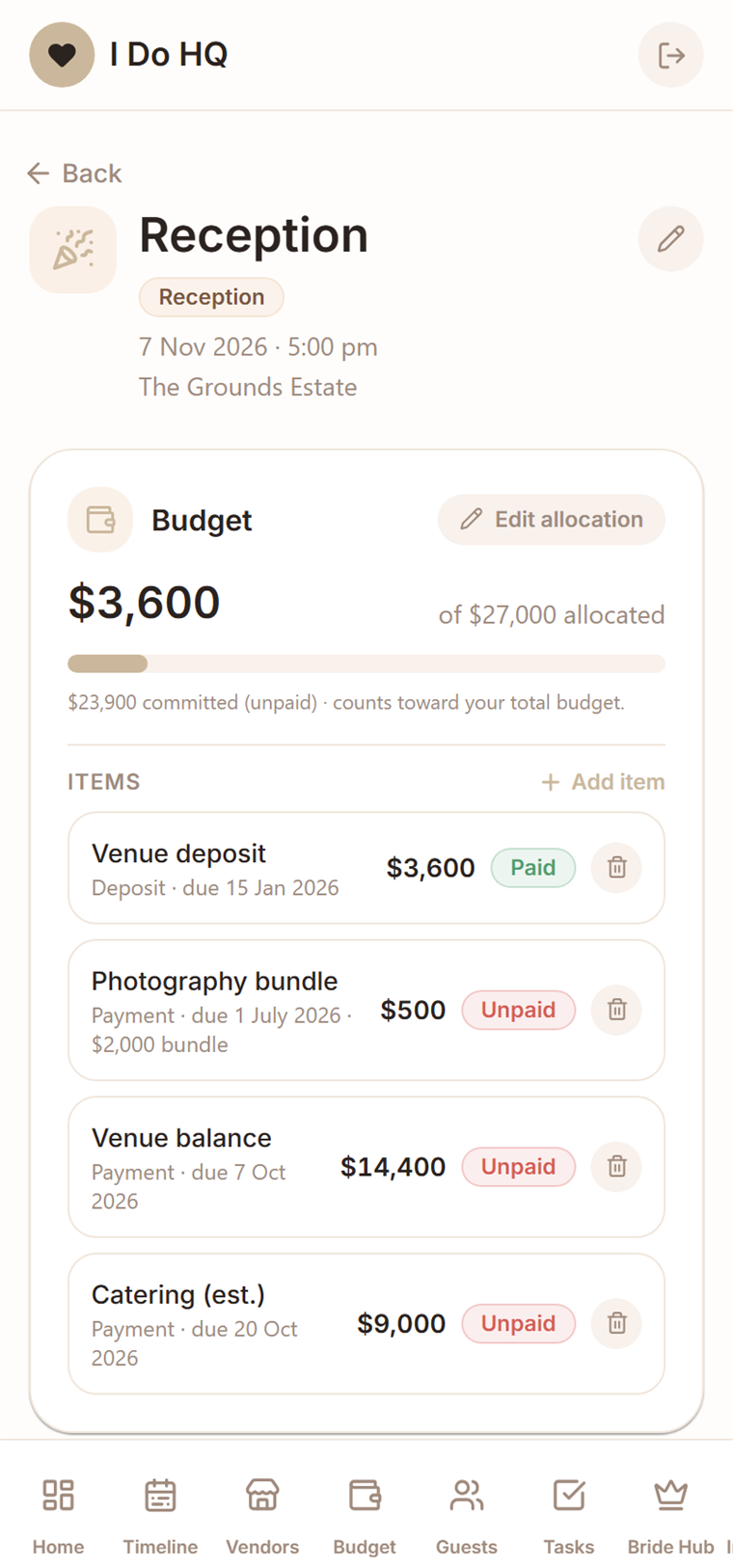
Each event, its own module
The engagement party, the ceremony and the reception each keep their own budget, vendors and tasks, then roll up into one running total on the home screen.
A budget that builds itself
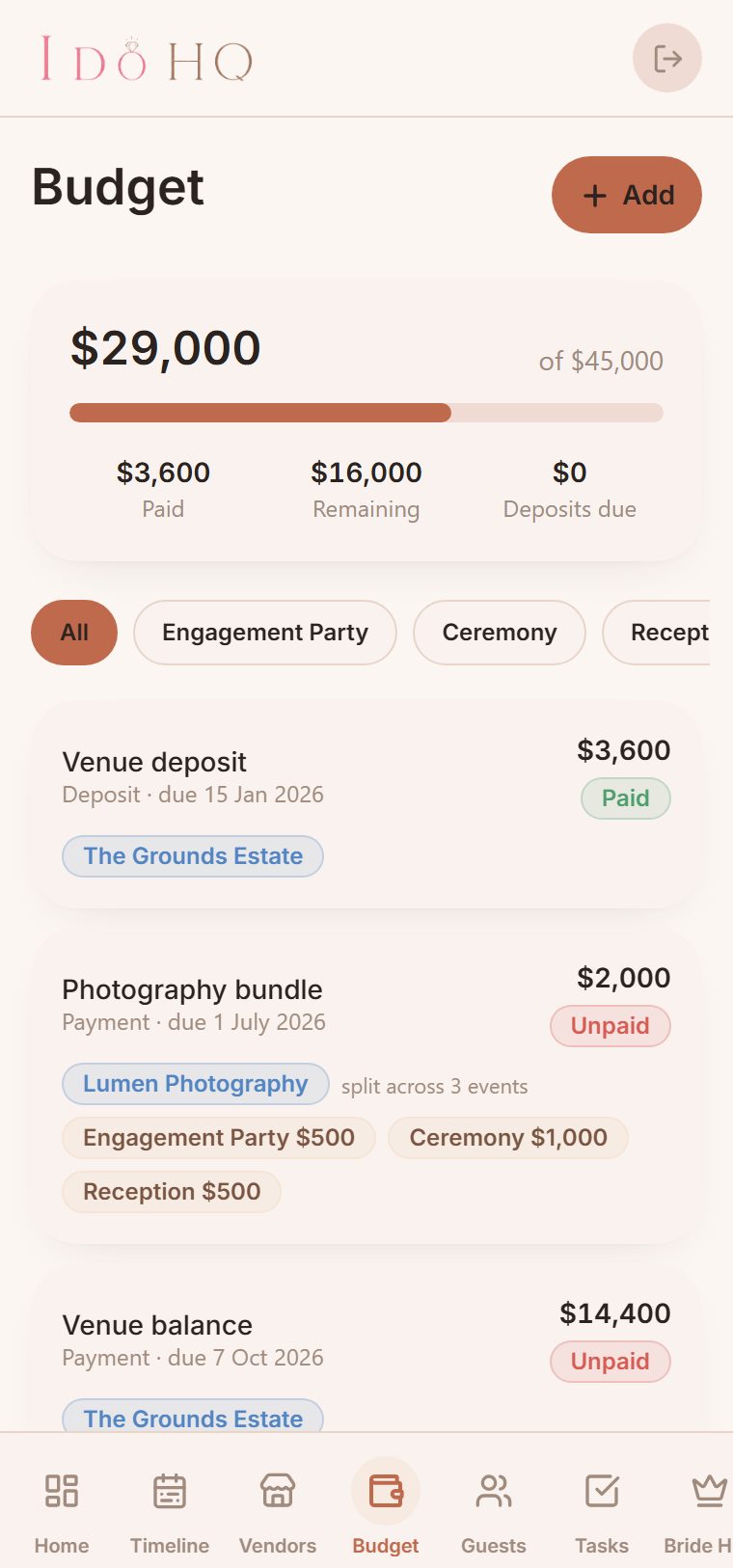
Add a vendor with a price and the cost drops straight into one honest list, with deposits, balances and due dates marked paid or unpaid.
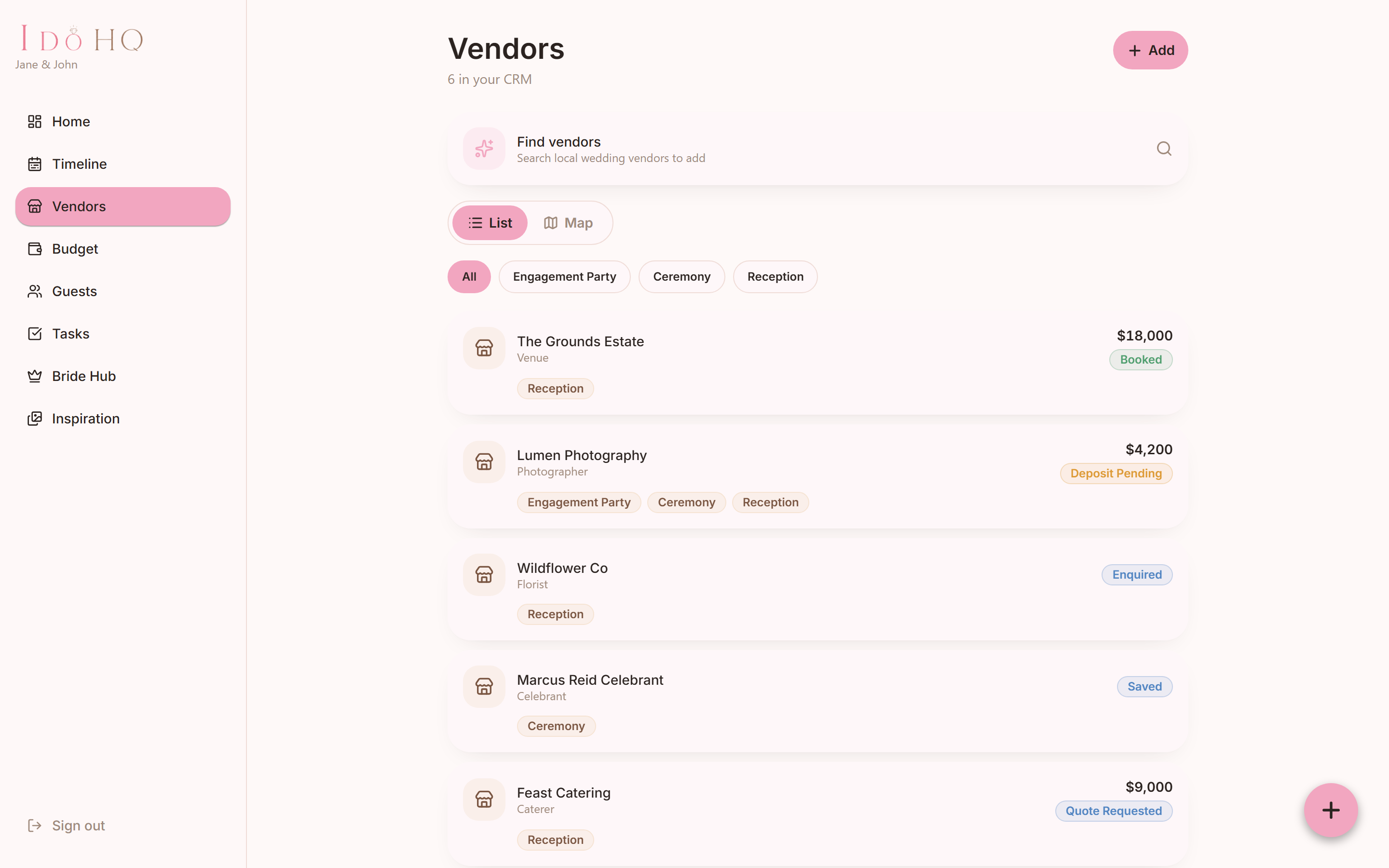
Your vendors, end to end
Every vendor in one place, tracked from saved, to enquired, to a quote, to booked. Assign them to one event or several.
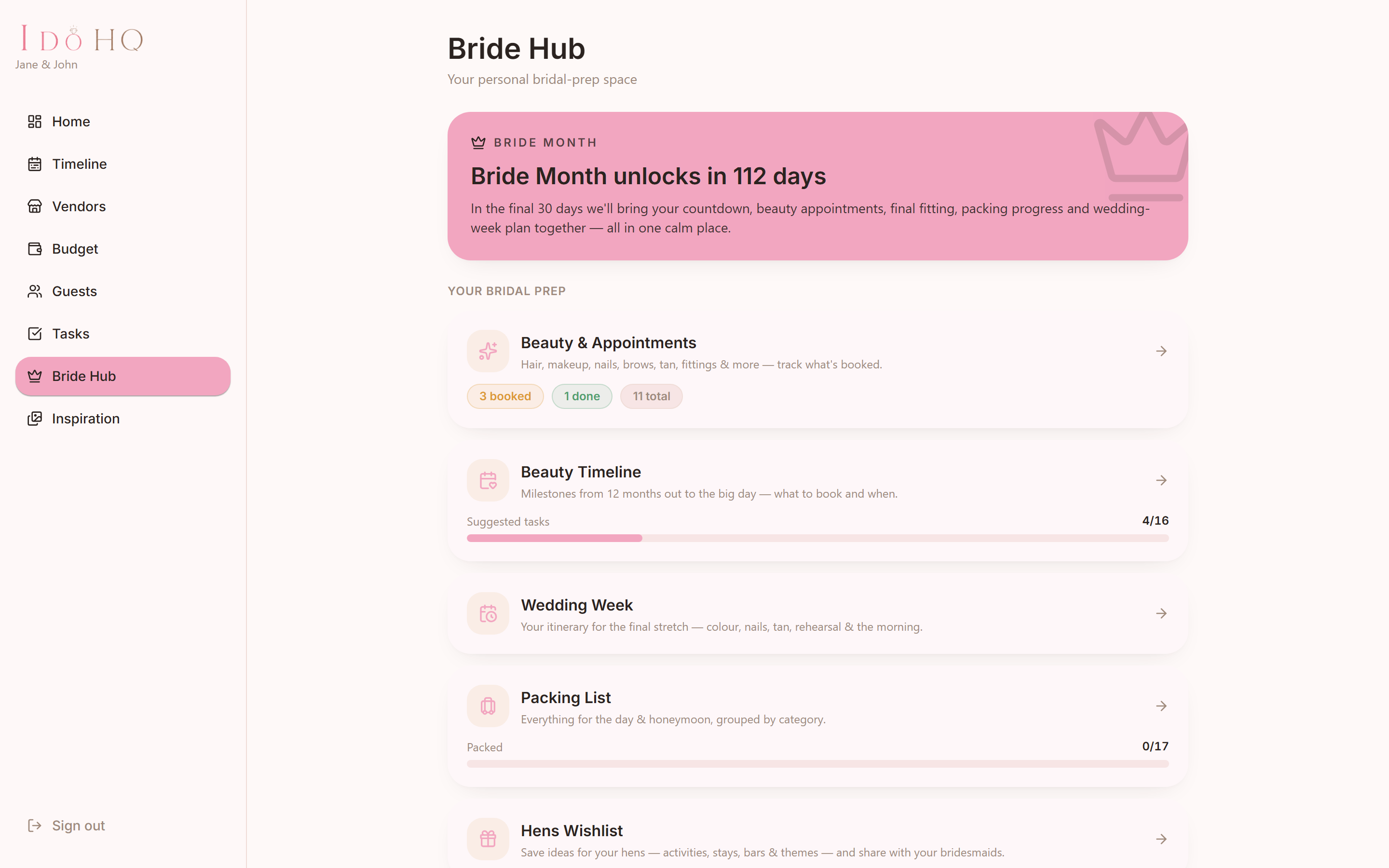
A part that's just for the bride
Book the beauty, hair and makeup trials, nails, dress fittings, each with its own status and inspiration photos, on a timeline that focuses at thirty days out.
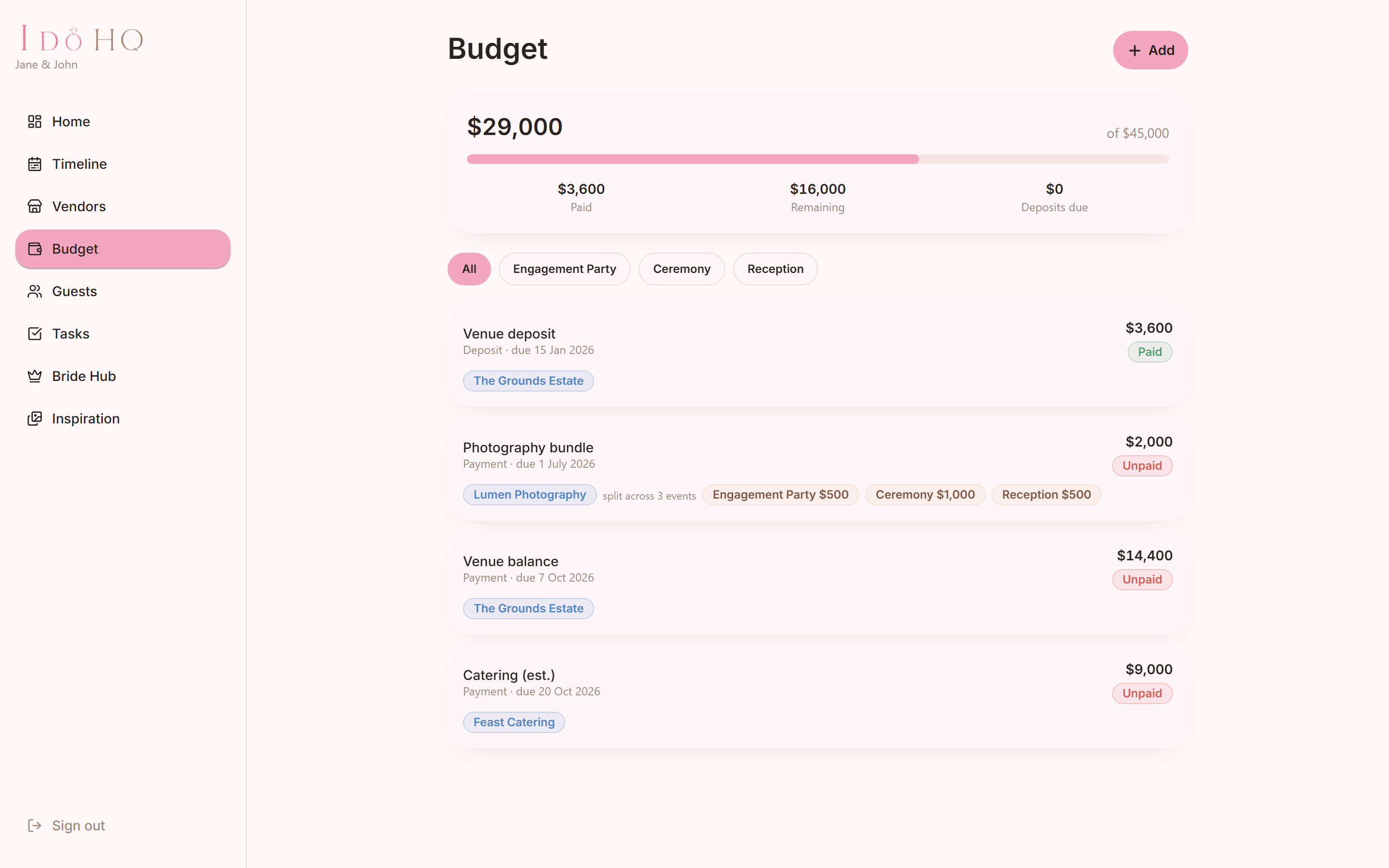
A budget that builds itself from real costs.
The budget is one honest list of vendor payments and your own custom items. Add a vendor with a price and the cost drops straight in, so the number you see is the number you are actually committing to.
Every vendor carries a payment schedule: a deposit, a balance, any milestones, each with an amount, a due date and a paid or unpaid mark. Nothing sits in your head or a group chat.
- Vendors land in the budget. add a cost once and it is counted everywhere it should be
- Payment schedules with due dates. deposit, balance and milestones, each marked paid or unpaid
- Bundle splitting. one price divided across events, totalled only once
- Engagement party$500
- Wedding$1,000
- Reception$500
Set with a slider. It shows on each event at its share, and counts once in the total.
From the engagement party to the last dance.
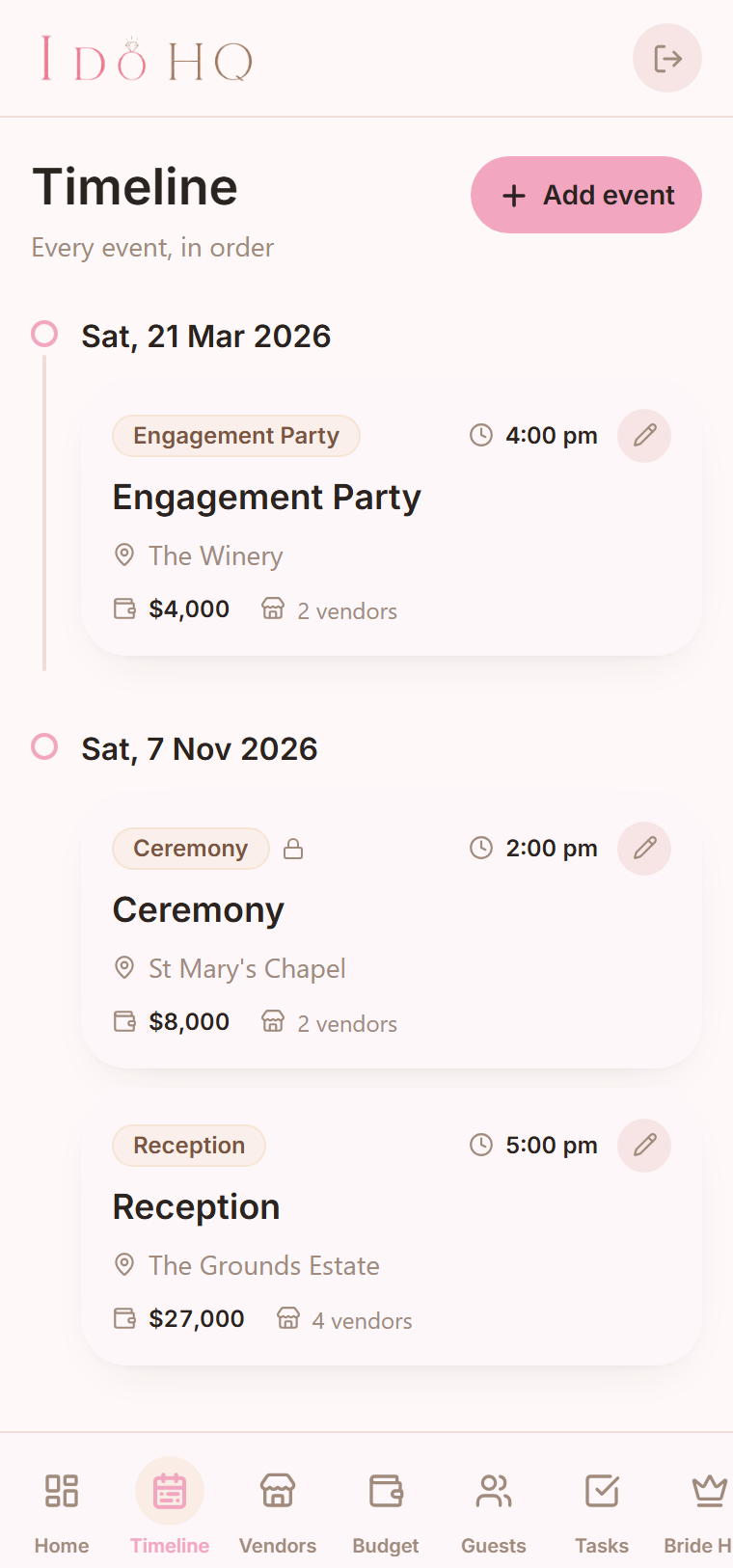
Every event in date order, grouped by day, from the first celebration to the after-party. Each one keeps its own date, time, place and notes.
Not everything is locked in at once, and that is fine. A date can sit as "to be decided" until you settle it, so the plan stays honest while it is still coming together.
- Chronological by day. the whole run of events at a glance
- Date, time, place, notes. the practical detail for each event in one spot
- "To be decided" dates. hold a spot for an event before the date is set
Your vendors, from first enquiry to paid in full.
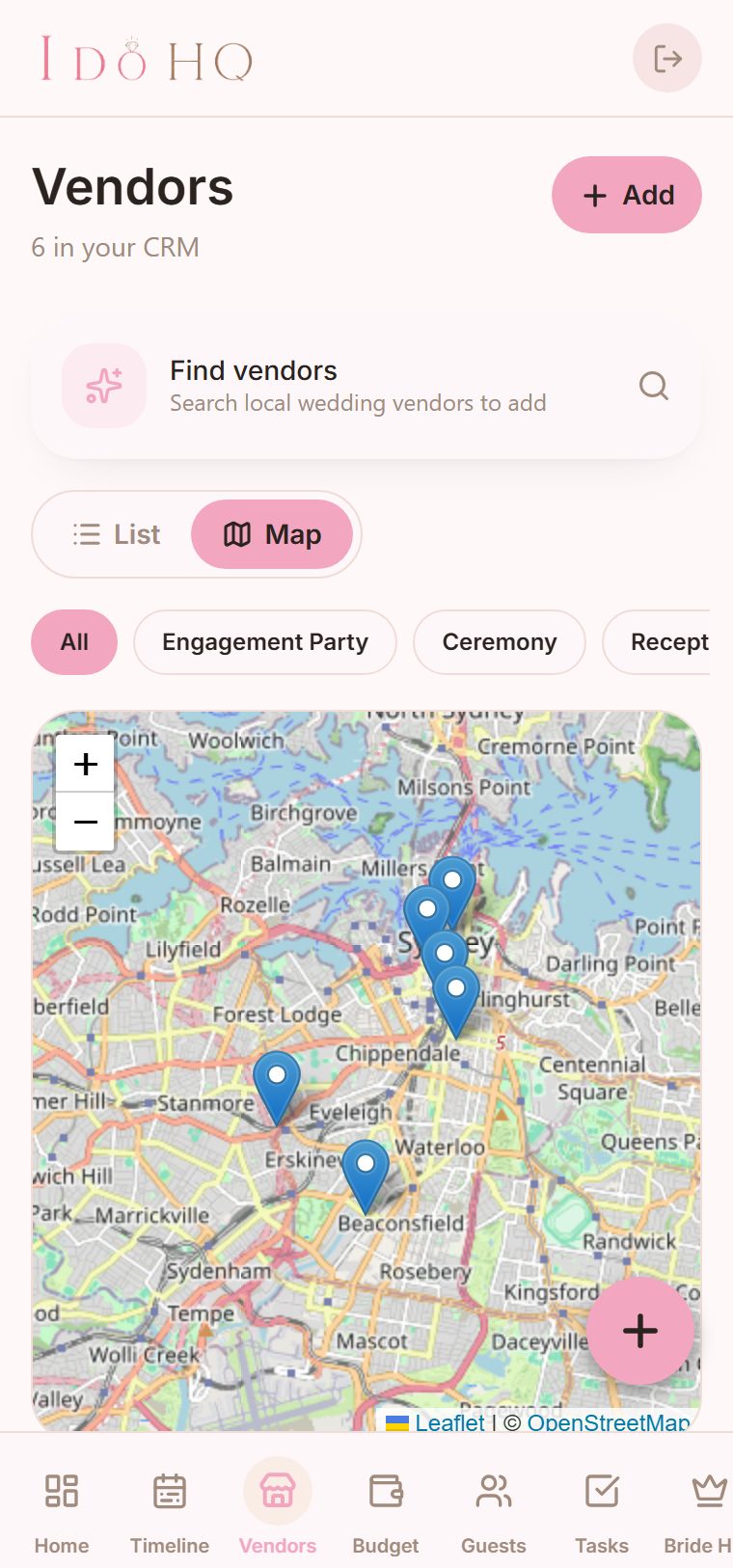
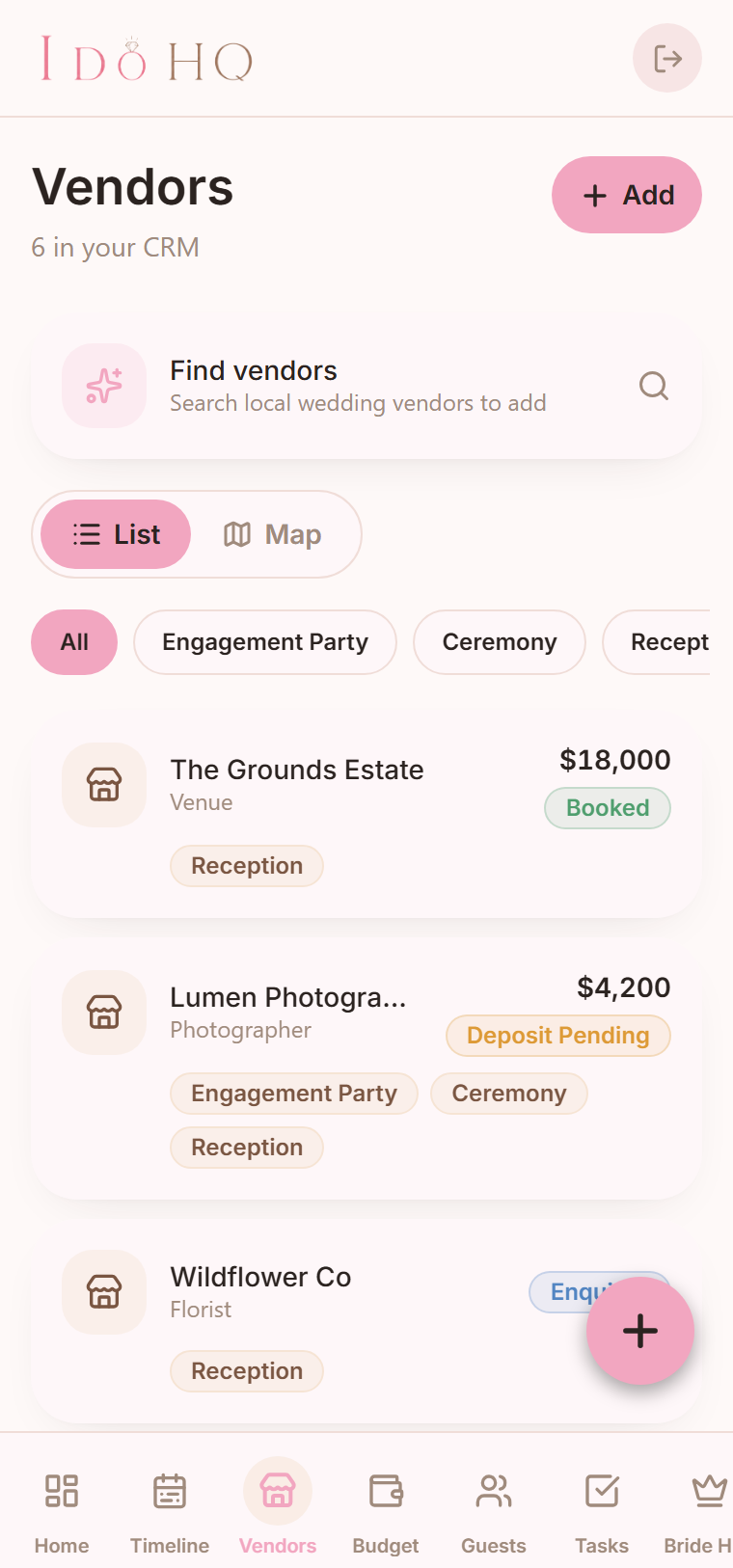
It keeps every vendor in one place and tracks where each one is up to, built for the way you actually book a wedding. Save anyone you are considering, then watch their status move from saved, to enquired, to a quote, to a deposit pending with a due date, to booked.
Assign a vendor to a single event or to several. When you would rather see them on a map than in a list, flip to the map view and browse them as pins, the way you would browse listings.
- A real status pipeline. saved through to paid in full, with deposit due dates
- Assign across events. one vendor on one event, or shared across a few
- List or map. browse your vendors as a list or as pins on a map
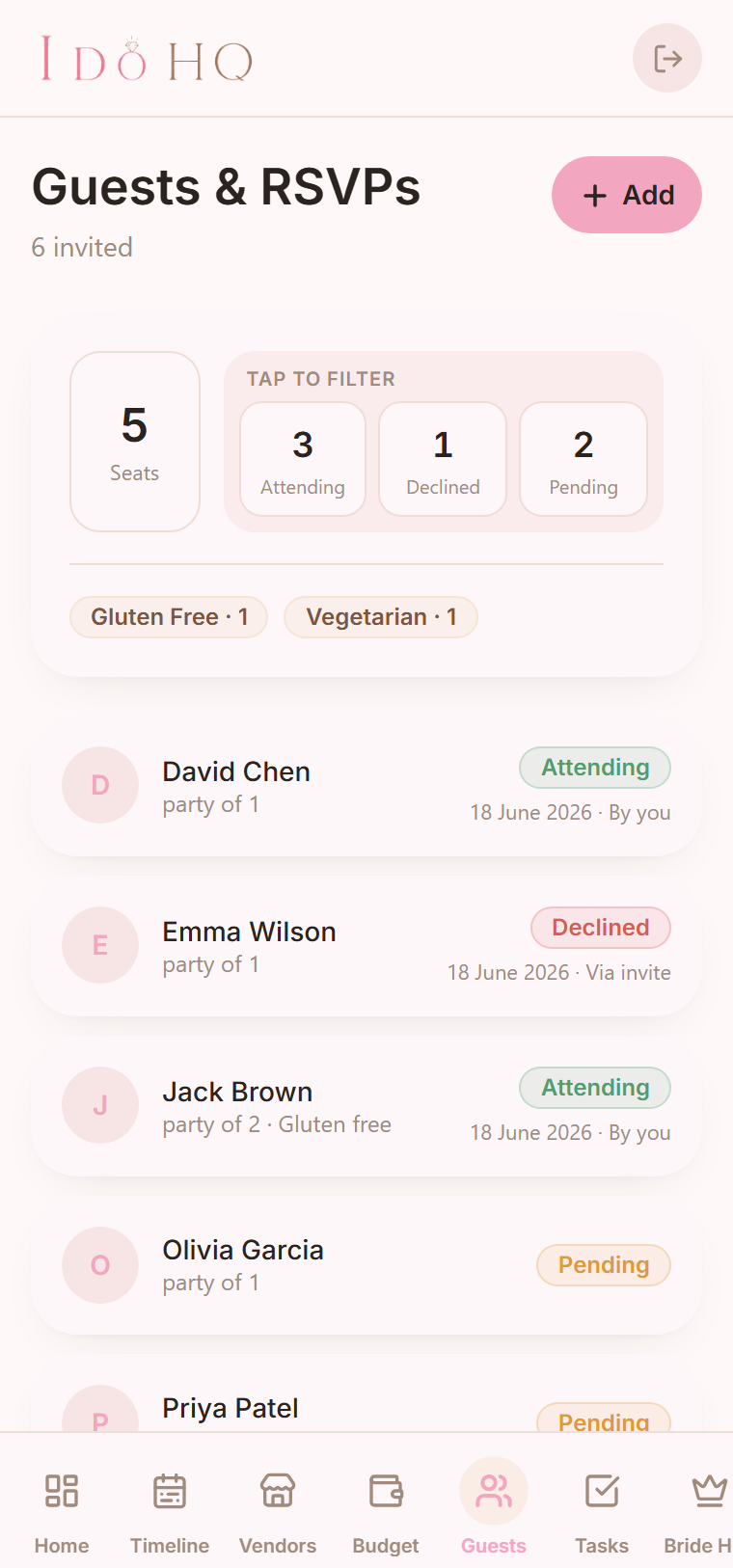
RSVPs, without the spreadsheet.
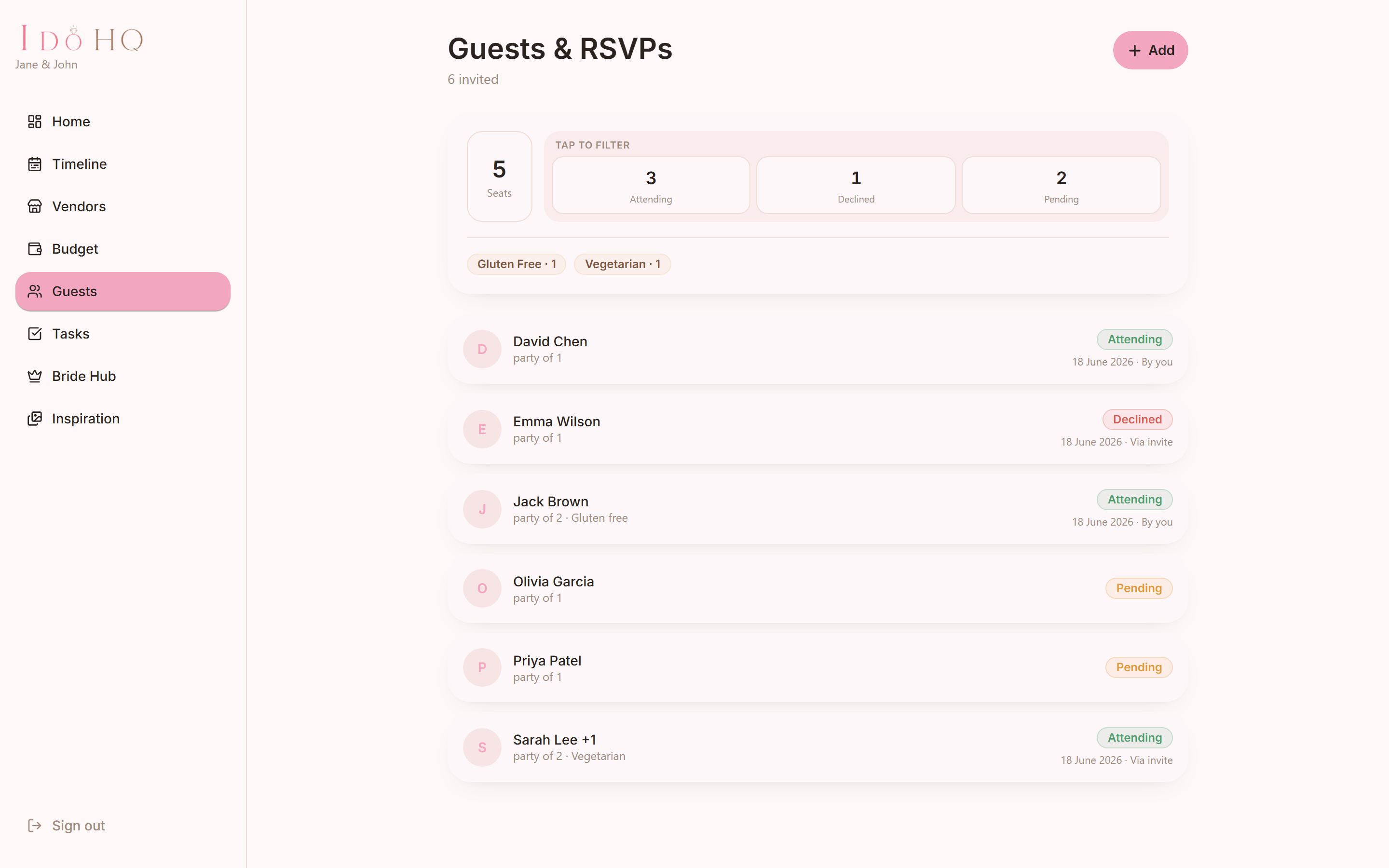
Track who is coming, the size of each party, plus-ones and dietary needs, with a running headcount that updates as replies land. The number the caterer asks for is the number on the screen.
When the list runs past a hundred names, you stop scrolling and start tapping. Tap a count, attending, declined or still to reply, to jump straight to those guests, sort the stragglers and chase only the ones who matter.
- RSVP status per guest. attending, declined or yet to reply, with party size and plus-ones
- Dietary and catering summary. allergies and meal notes gathered into one headcount the caterer can use
- Tap a count to filter. jump to the attending, the declined or the still-to-reply on a long list
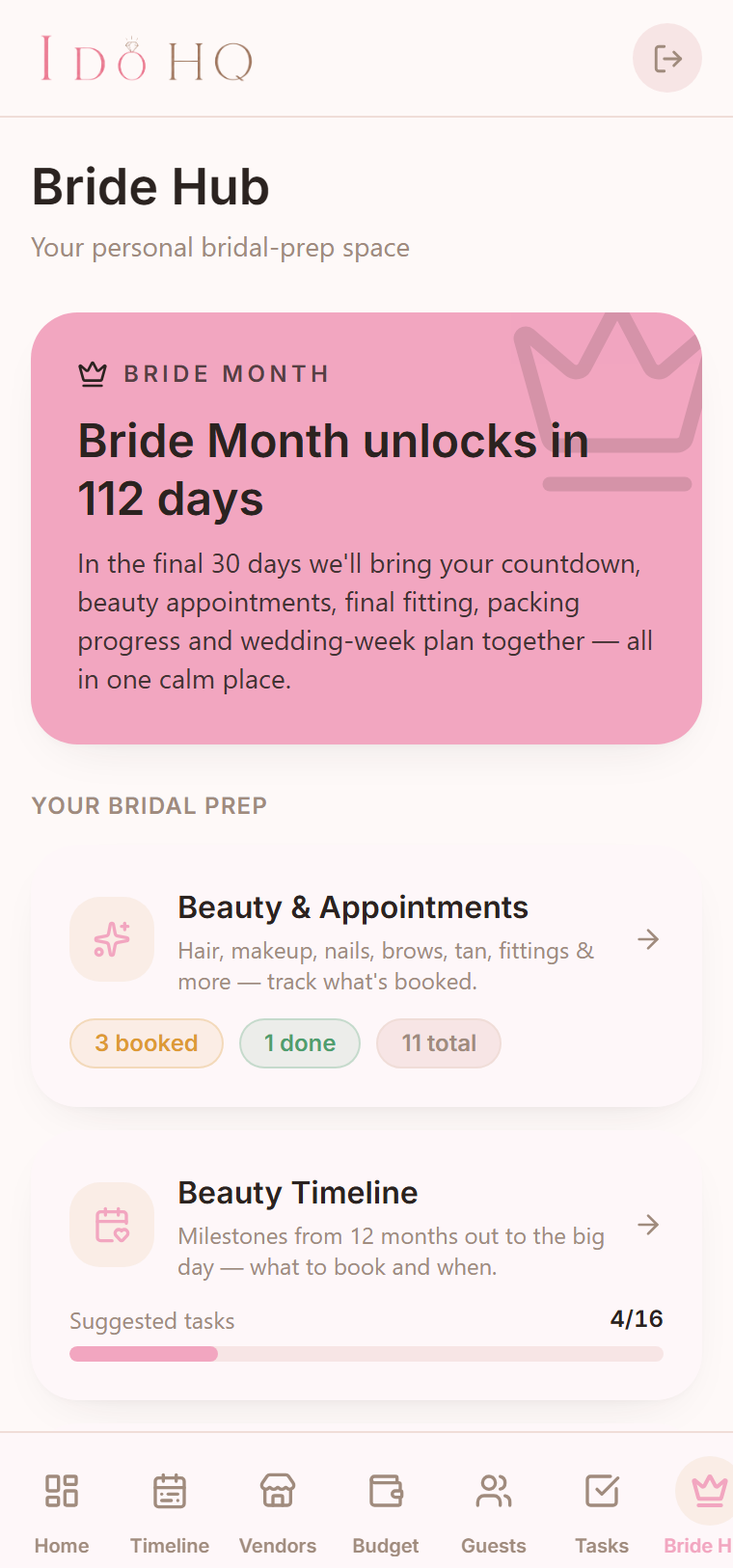
A part of the app that's just for the bride.
Bride Hub is the personal run-up to the day. Book the beauty: hair and makeup trials, nails, brows, a facial, dress fittings, each with its own status and inspiration photos so the look is settled before the morning of.
A beauty timeline maps the milestones from twelve months out down to the wedding day. Thirty days before, Bride Month switches on and pulls the countdown, the final fitting and the wedding week into focus. There is a packing list and a hens wishlist you can share with the bridesmaids.
- Beauty and appointments. trials, fittings and treatments, with status and photos
- Beauty timeline and Bride Month. twelve months out to the morning of, focused at thirty days
- Packing list and hens wishlist. a list to share with the bridesmaids
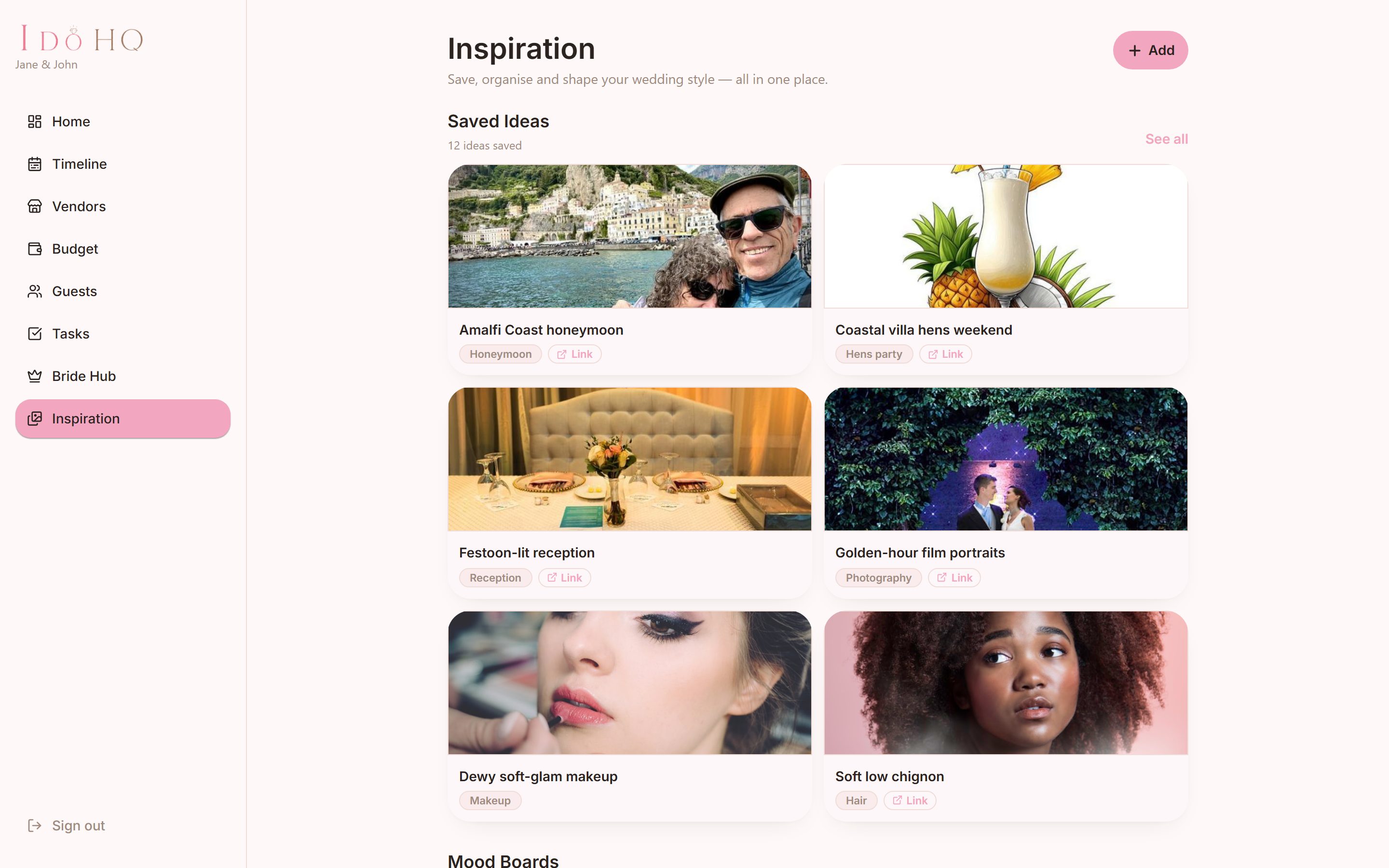
Every idea you've saved, in one board.
Save the ideas you love into a visual grid, each with its image, a category, your notes and a link back to where you found it. Filter the whole wedding by venue, dress, florals, styling, beauty and more.
Build mood boards for each part of the wedding, an overall vision, the ceremony styling, the florals, the dress and beauty, so the look has a home instead of being scattered across screenshots.
- A saved-ideas grid. image, category, notes and the source link for each
- Mood boards per part. vision, ceremony, florals, dress and beauty
- Filter the whole wedding. find everything you saved for one part in a tap
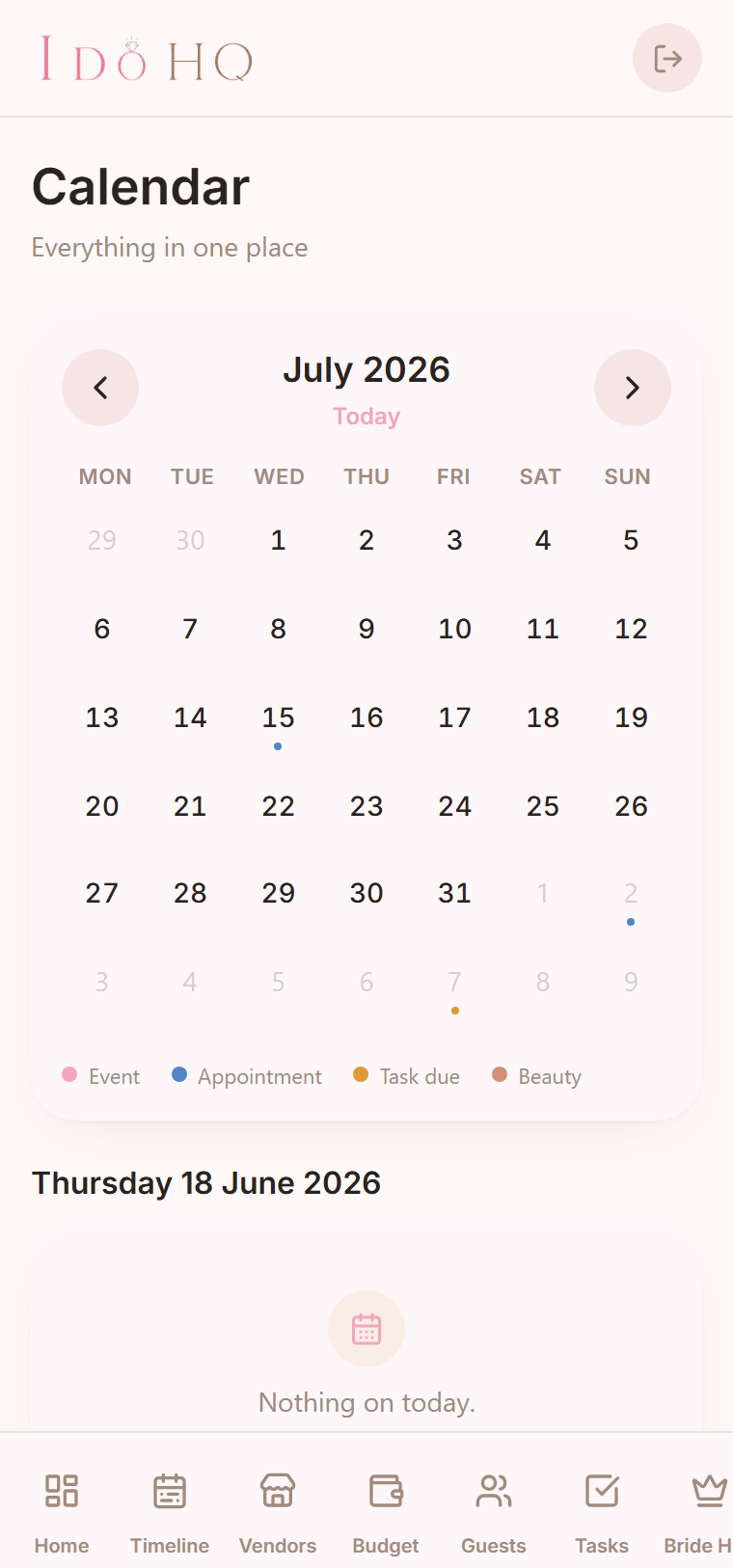
One calendar for everything with a date.
Events, vendor appointments, task due dates and beauty bookings all sit on one month view, each colour-coded so you can tell them apart at a glance. Tap a day to see exactly what is on.
- Events
- Vendor appointments
- Task due dates
- Beauty bookings
Set your wedding colour. The whole app follows.
Pick the colour your wedding is built around and the whole app re-skins to match it, live. There is a real colour picker, a long searchable list of colour names and nearest-match suggestions when you are close but not sure.
The choice saves to your account, so it looks the same on your phone, your laptop and your partner's phone too.
Try it: Clay rose
Our wedding
142 days to go
Planning, 62% sorted
And the rest of the planning, in the same place.
Two more things the day needs, kept where everything else lives rather than off in another app.
A shared task checklist
Tasks with due dates, attached to the event they belong to, ticked off together. The to-do list both of you can see, instead of one person quietly holding all of it.
Honeymoon fund and registry
Keep your honeymoon fund and gift registry links together in one spot, so guests know where to look and you are not digging through messages for the URL.
On your phone, and on your laptop.
The same wedding, the same plan, wherever you open it. Sketch out the budget on the laptop, check a vendor's deposit date on your phone on the way to a viewing.
Are you a wedding vendor?
I Do HQ has a companion side, VendorHQ, for the businesses couples book. It covers enquiries, quotes, contracts and bookings between you and the couples planning with the app. It is still being built, so register your interest and we will be in touch as it opens up.
On the way, and clearly labelled.
These are in the app as placeholders today, not live features. Here is where I Do HQ is heading.
AI bridal assistant
a gentle nudge when a booking or a deposit is coming up, so nothing slips.
AI style analysis
read the look across your saved ideas and suggest where it is heading.
Pinterest import
bring the boards you already keep straight into your inspiration.
Native iOS and Android apps
the web app today, with proper native apps as the direction.
Questions, answered plainly.
Yes, it is free to use right now. There is no card to enter and no plan to choose. Pricing is not decided yet, and you will hear about any change well before it happens.
No. I Do HQ runs in your browser today, on your phone and your computer. Native iOS and Android apps are on the way, but you do not need to wait for them to start.
Yes, both, on the same wedding. Your colour, your events, your budget and your vendors follow your account, so the plan is the same wherever you open it.
Yes. Add anyone you like, the photographer your sister recommended or the florist you found at a market. You are not limited to a fixed list.
Yes. Track every guest with their RSVP status, party size, plus-ones and dietary needs, with a running headcount for the caterer. Once the list passes a hundred names, tap a count, attending, declined or still to reply, to jump straight to those guests instead of scrolling.
Yes. Your wedding, your guests and everything you save belong to you. Read how it is handled on the privacy page.